
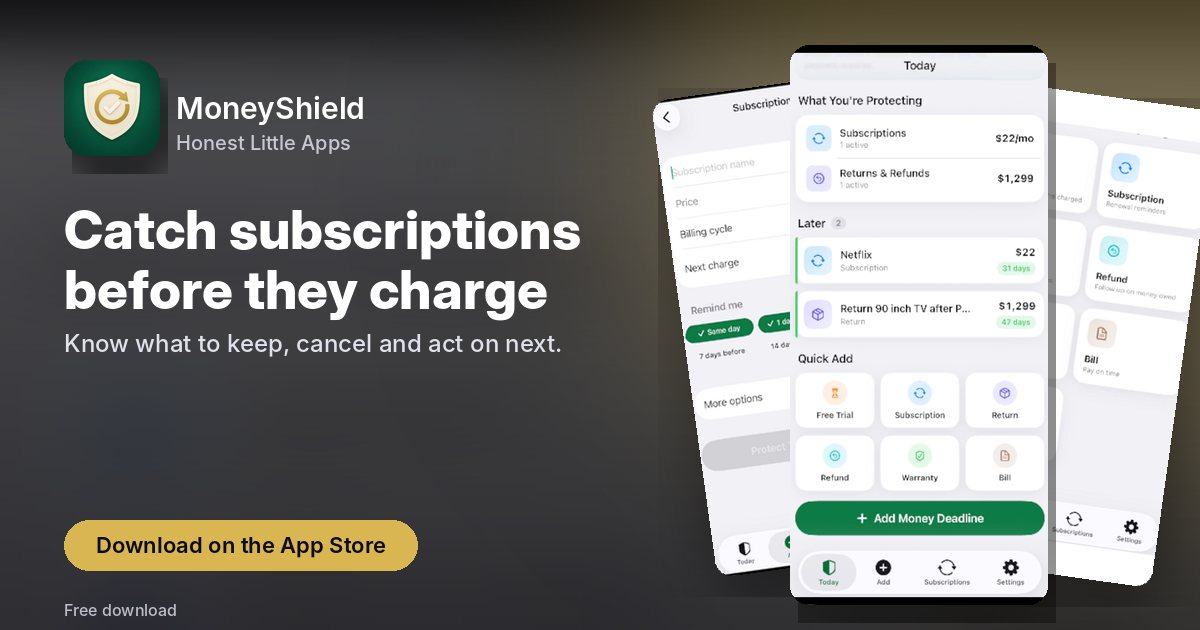
Catch subscriptions before they charge
Know what to keep, cancel and act on next.
Every screen, straight from the App Store
Swipe through all 3 screenshots of MoneyShield.


What MoneyShield does
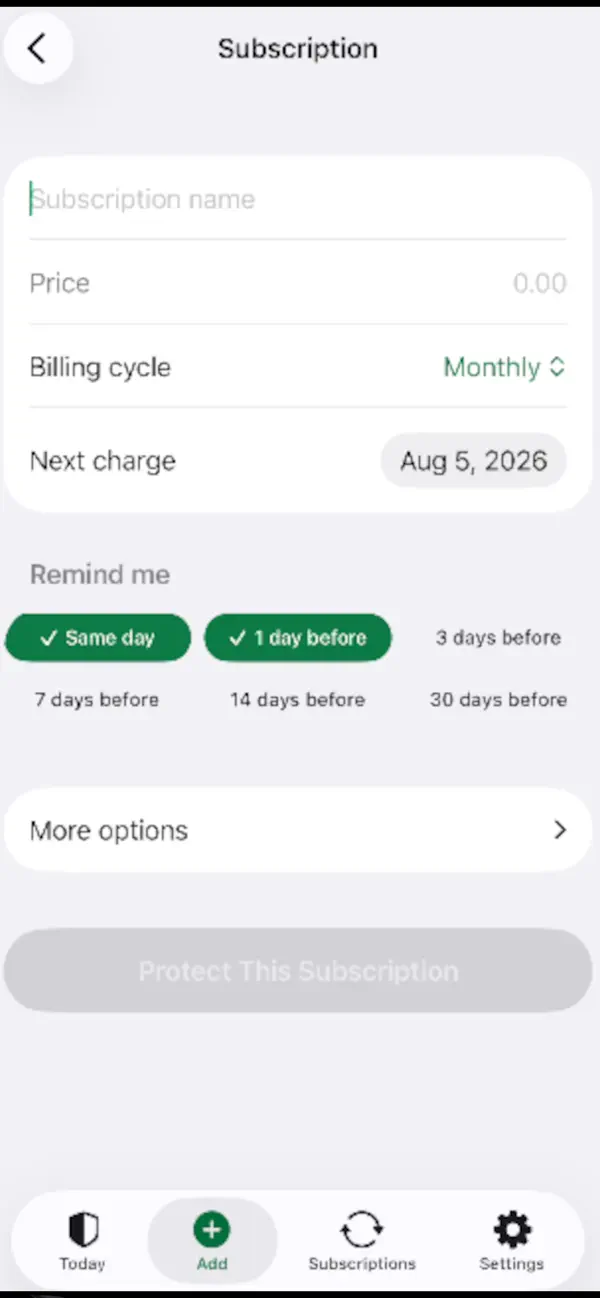
MoneyShield: Sub Tracker helps you decide which subscriptions to keep, which to cancel first, and when you need to act — before the next charge.
Most people don't lose money from one big mistake. They lose it to small forgotten charges: a trial that renewed, a subscription they meant to cancel, a yearly renewal they didn't see coming.
MoneyShield gives you one private place to see what you pay for, what it costs a year, and what's charging you next.
What's inside MoneyShield
- Cancel First: a ranked list of subscriptions worth cancelling, with the reason for each (usage, cost, renewal timing, price increases, trials ending)
- One tap to Keep, Review Later, or start cancelling
- What If planner: pick subscriptions and see the estimated difference to your next 30 days, monthly spend, and yearly spend
- Cancellation Assistant points you to the official cancellation route, whether you subscribed through Apple or directly with the company
- Step-by-step checklist and copy-ready request templates
- Keep a private record: confirmation number, paid-through date, screenshot, notes, and refund outcome
Quick answers
How much does MoneyShield cost?
Free to download (optional in-app purchases) — as listed on the App Store.
What does MoneyShield need to run?
An iPhone on iOS 18.0 or later. The download is about 13 MB.
What is MoneyShield for?
MoneyShield: Sub Tracker helps you decide which subscriptions to keep, which to cancel first, and when you need to act — before the next charge.
Get MoneyShield on the App Store