
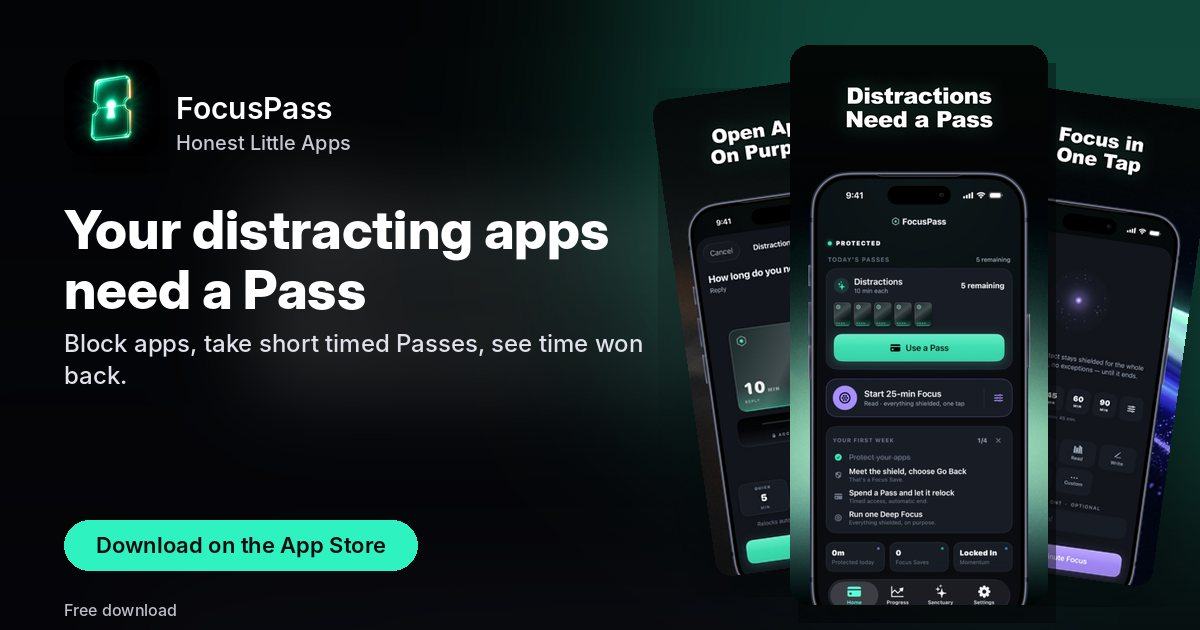
Your distracting apps need a Pass
Block apps, take short timed Passes, see time won back.
Every screen, straight from the App Store
Swipe through all 7 screenshots of FocusPass.



What FocusPass does
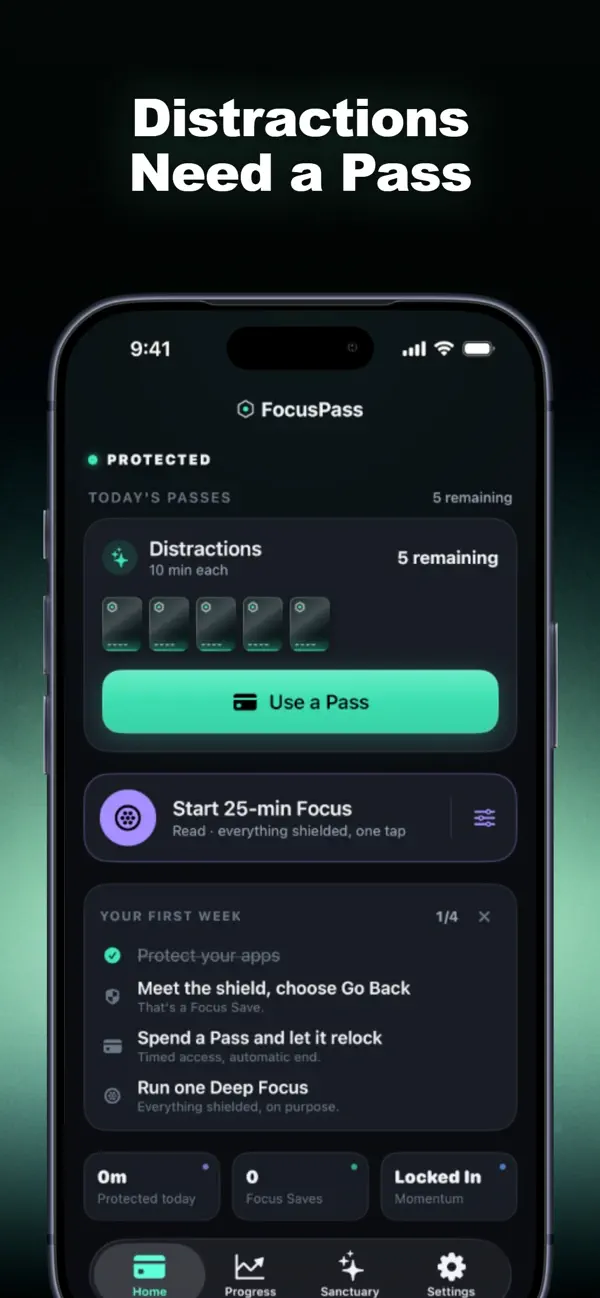
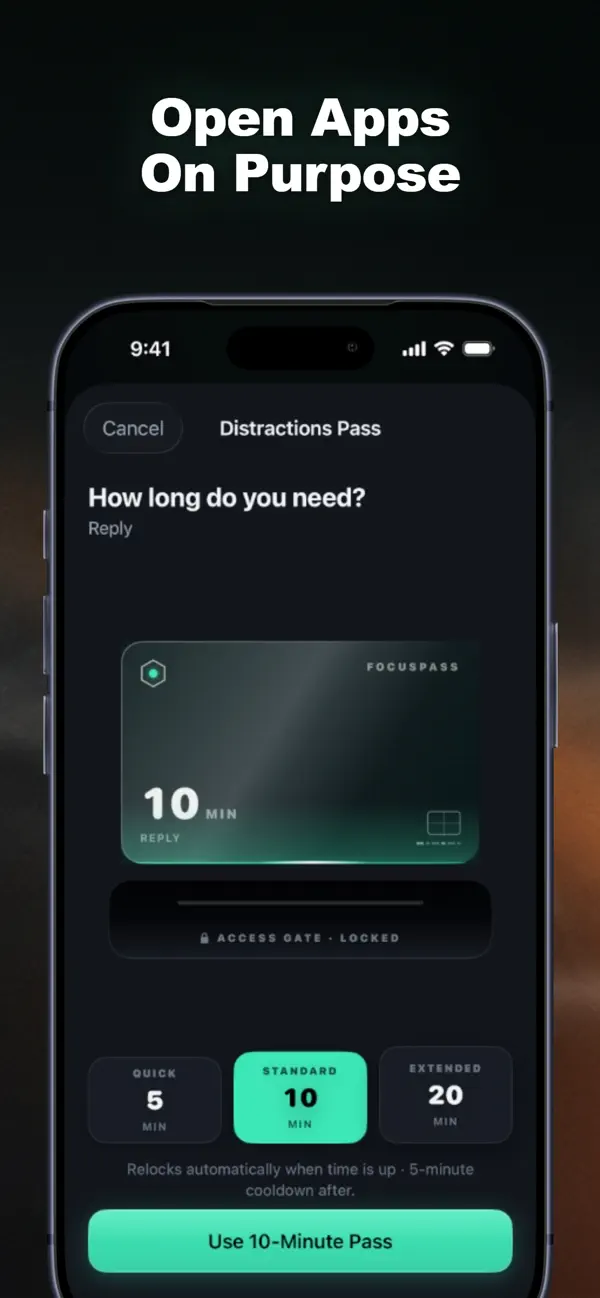
Your distracting apps need a Pass. FocusPass blocks the apps you choose with Apple's Screen Time, lets you take a short timed Pass when you really need one, and shows the time you take back when you choose not to.
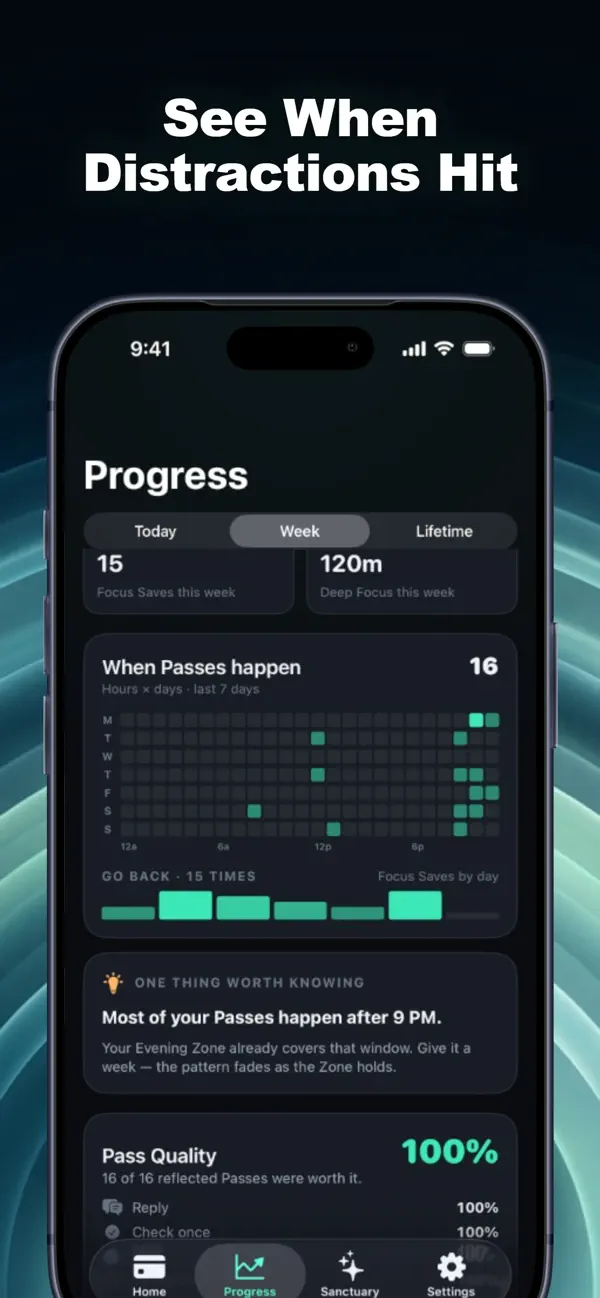
Every time a shield holds and you choose Go Back, that's a moment reclaimed. Add the Deep Focus you actually finish and the Pass time you hand back by ending a Pass early, and you get Time Reclaimed: a calm jar that fills by day, week and month. Every number comes from something that really happened on your device. Nothing is estimated.
Pick a goal that fits your week: fewer Passes a day, no Passes for a Wallet before a set hour, nothing after a set hour, or a few minutes of Deep Focus each day. Each week allows one "life happens" day, so a single slip bends your streak instead of breaking it.
What's inside FocusPass
- Wallets: a daily Pass plan for a group of apps
- Focus Zones: protected hours for Work, Study, Evening or Sleep
- Task Access: a few minutes for one specific task when you're out of Passes
- Essentials: apps you must always reach stay available
- Deep Focus: 25 to 90-minute sessions from Home, Siri, Apple Watch or a widget, with a Live Activity
Quick answers
How much does FocusPass cost?
Free to download (optional in-app purchases) — as listed on the App Store.
What does FocusPass need to run?
An iPhone on iOS 18.0 or later. The download is about 19 MB.
What is FocusPass for?
Your distracting apps need a Pass. FocusPass blocks the apps you choose with Apple's Screen Time, lets you take a short timed Pass when you really need one, and shows the time you take back when you choose not to.
Get FocusPass on the App Store