
Booking requests, answered in seconds
Client texts become calendar bookings and replies.
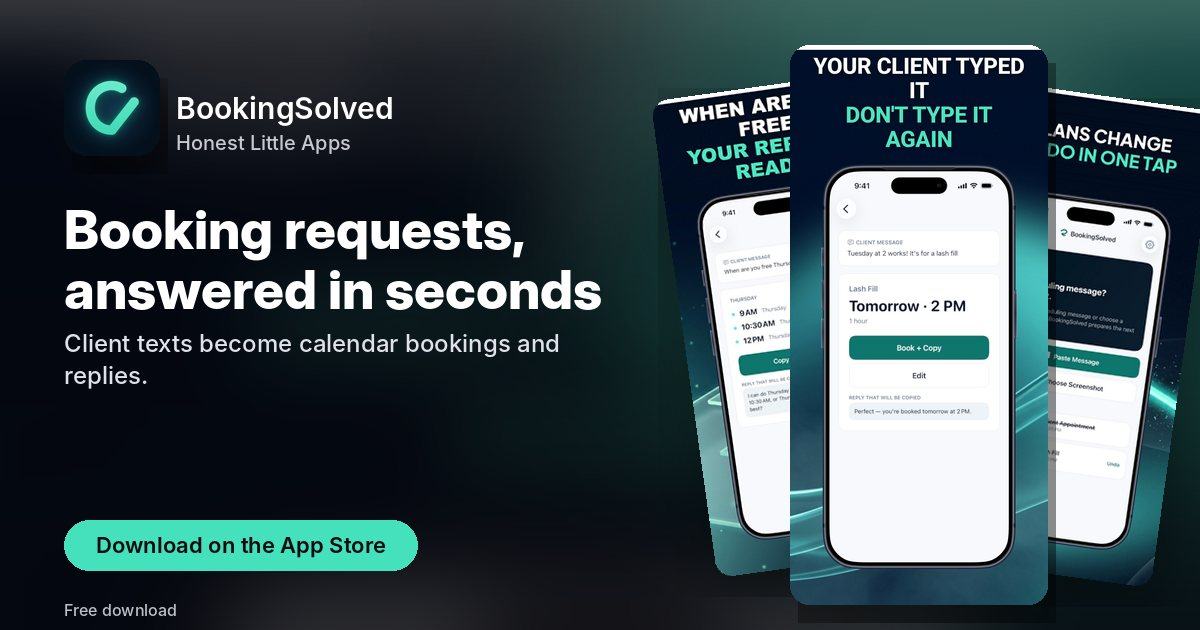
Every screen, straight from the App Store
Swipe through all 5 screenshots of BookingSolved.



What BookingSolved does
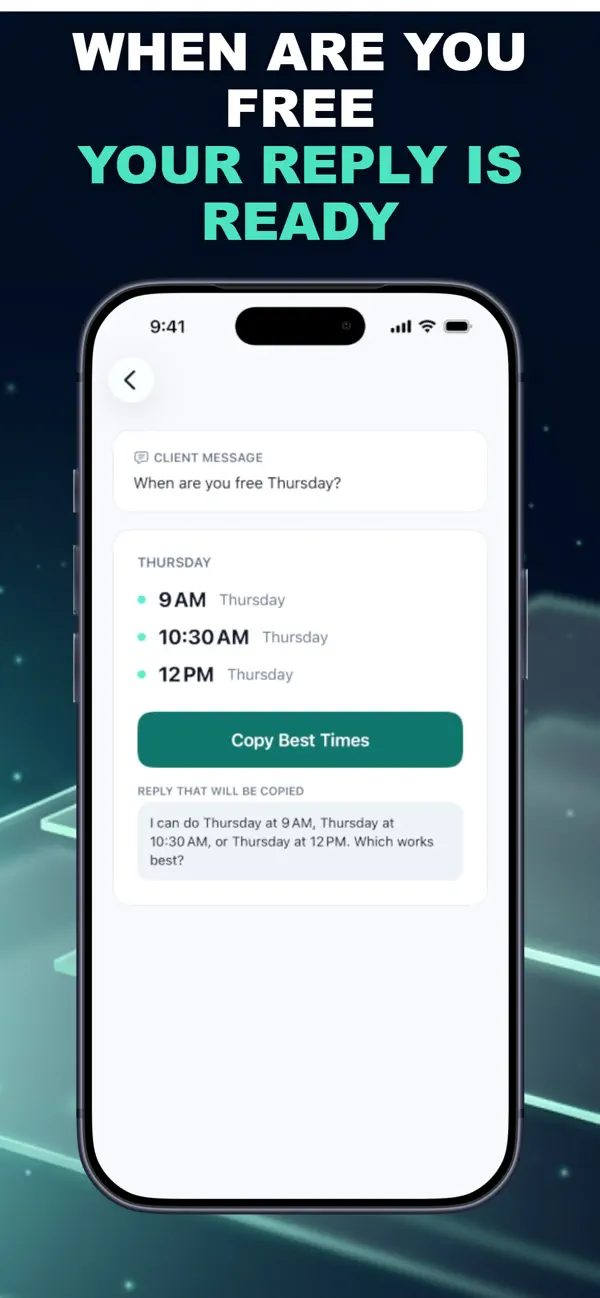
BookingSolved turns appointment requests from your clients into Apple Calendar bookings, open-time suggestions, and ready-to-send replies.
A client writes "Could I book Tuesday at 2?" BookingSolved reads the request you choose, checks your Apple Calendar, and prepares the appointment. Nothing changes in your Calendar until you approve it, and you send every reply yourself.
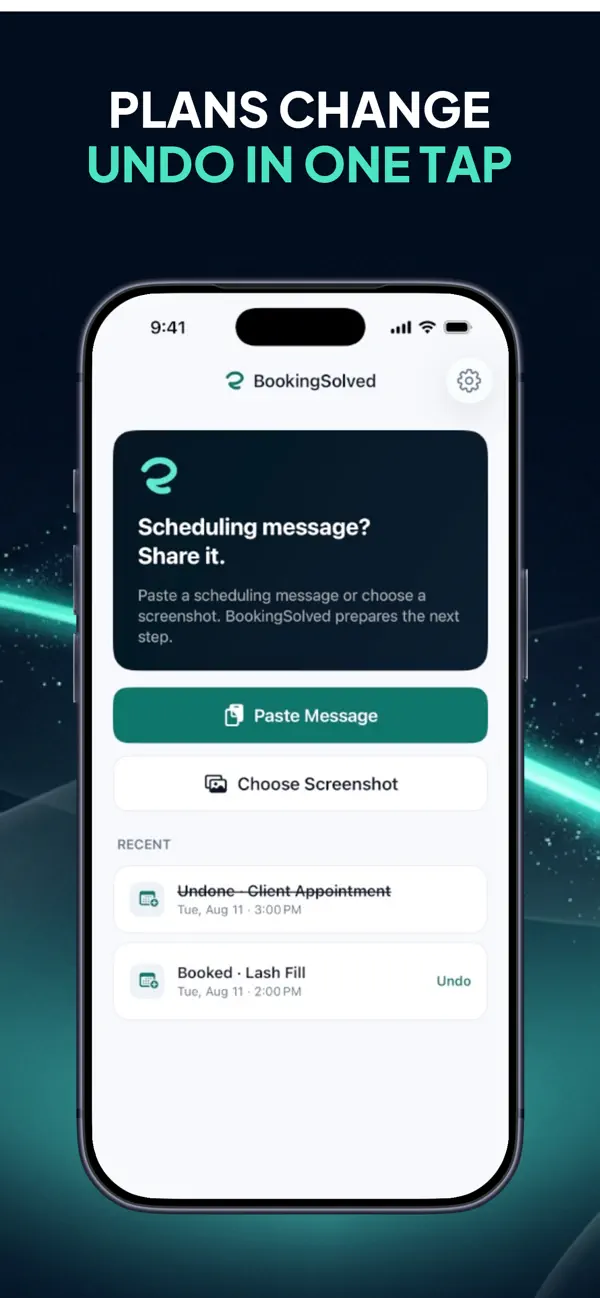
• Add a request: paste text, choose a screenshot, or use the Share Sheet. Only what you choose is read.
What's inside BookingSolved
- Add a request: paste text, choose a screenshot, or use the Share Sheet. Only what you choose is read.
- Review the details: service, date, time, and duration are found on your iPhone. Anything missing or unclear, like "next Friday", is flagged instead of guessed.
- Approve: BookingSolved checks your Calendar and prepares the new appointment, reschedule, or cancellation for your approval.
- Reply: an editable confirmation is ready in a Friendly, Professional, or Concise tone.
Quick answers
How much does BookingSolved cost?
Free to download (optional in-app purchases) — as listed on the App Store.
What does BookingSolved need to run?
An iPhone on iOS 18.0 or later. The download is about 10 MB.
What is BookingSolved for?
BookingSolved turns appointment requests from your clients into Apple Calendar bookings, open-time suggestions, and ready-to-send replies.
Get BookingSolved on the App Store